

Keep the whole day clear.
Reading, math, science, specials and classroom routines can change throughout the day without a secondary-style period schedule.
Learning Intention: Identify the main idea and supporting details.
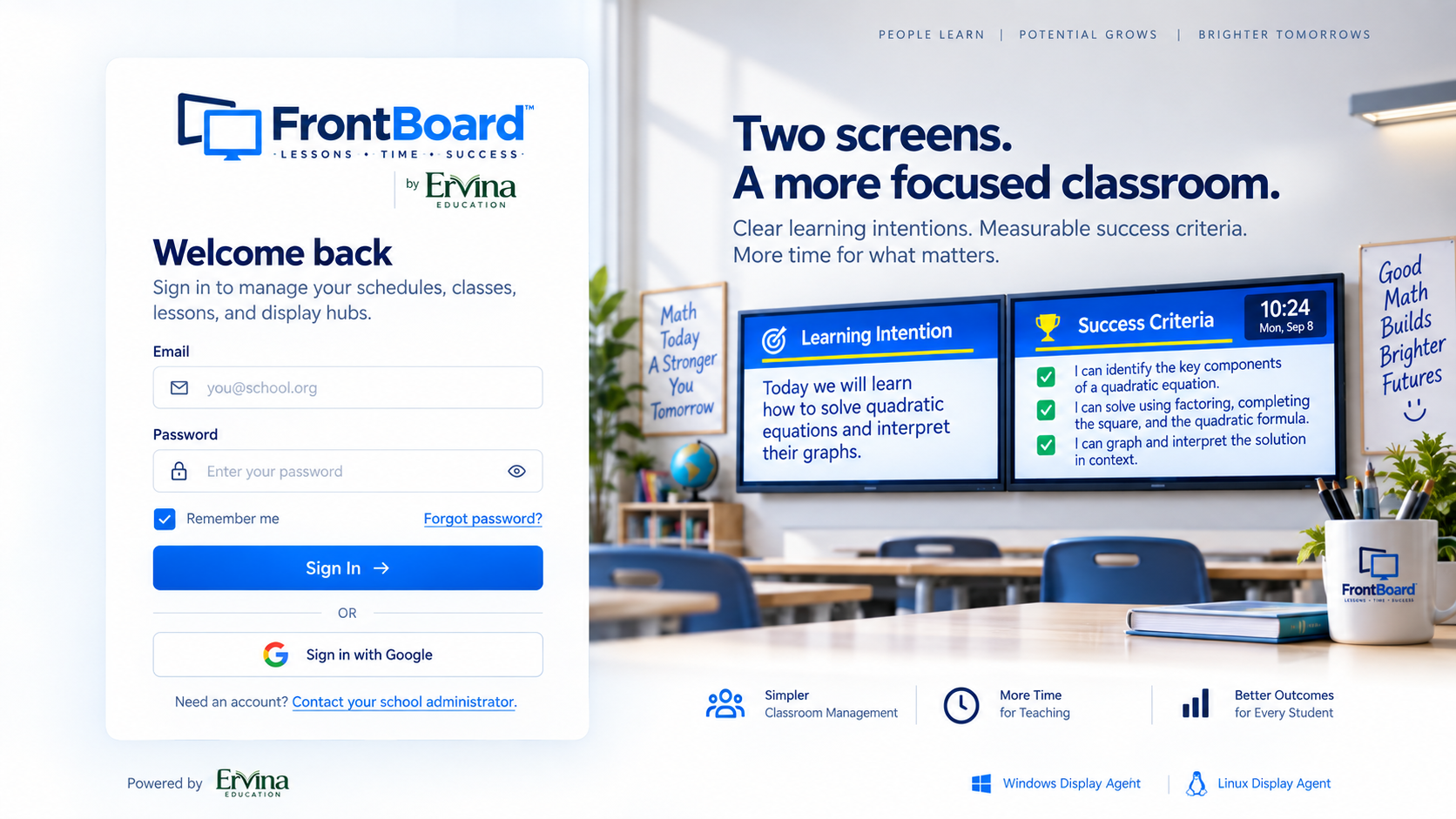
FrontBoard automatically puts your Learning Intention, Success Criteria and class time where students can see them—then changes with your schedule.
Today we will compare fractions using models and number lines.
See how FrontBoard keeps learning intentions, success criteria, schedules and class time visible—right on time.
Explore the interactive product tourDifferent grades run differently. FrontBoard adapts without asking teachers to change the way their classroom works.
Reading, math, science, specials and classroom routines can change throughout the day without a secondary-style period schedule.
Support rotating classes, changing subjects, shortened days and special schedules while keeping expectations visible.
Automatic class switching and the countdown timer help teachers manage fast-moving periods, labs, electives and advanced courses.
FrontBoard changes classes and lesson content on time, every time.
Clear, consistent goals stay visible throughout the lesson.
See exactly how much class time remains and pace lessons better.
Regular day, shortened periods, assembly day, minimum day—and your own schedules.
Organize classes and lessons from one simple teacher dashboard.
Learning Intention on one display. Success Criteria on the other. Both remain clear, uncluttered and easy to see.
Today we will learn how to find the slope of a line.
✓ Calculate slope
✓ Write the equation
✓ Graph and check
Today we will solve quadratic equations and interpret their graphs.
✓ Identify key components
✓ Solve using multiple methods
✓ Interpret the solution
FrontBoard automatically adapts. Learning Intention appears on top and Success Criteria on the bottom—same workflow, one screen.
FrontBoard supports elementary classroom blocks, middle-school rotations, high-school periods and custom days such as assemblies, minimum days and testing schedules.
Sign in to manage schedules, classes, lessons and displays.
Open FrontBoard Teacher
Create your classroom content digitally and keep it consistent instead of rewriting and erasing the same headings every day.
Learning Intentions and Success Criteria stay easy to reference throughout the lesson.
The classroom countdown gives teachers and students a shared sense of pacing without interrupting instruction.
Choose Monthly or Annual. Add your payment method securely, pay $0 today, and cancel before your trial ends to avoid any charge.
$0 today. After your 30-day free trial, FrontBoard renews monthly at $4.99 unless you cancel before the trial ends.
Start Monthly — 30 Days Free$0 today. After your 30-day free trial, FrontBoard renews annually at $49.99 unless you cancel before the trial ends.
Start Annual — 30 Days FreeA payment method is required to start the trial. You will not be charged during the 30-day trial. Cancel before the trial ends to pay $0. FrontBoard is licensed for teacher/classroom use.
Designed to fit the classroom you already have.
No. Two monitors provide the dedicated FrontBoard experience, but a single monitor automatically splits into Learning Intention on top and Success Criteria on the bottom.
No. FrontBoard is designed for K–12. Elementary teachers can use classroom blocks and routines, while middle and high school teachers can use rotating or period-based schedules.
Create custom schedules for assembly days, minimum days, testing, shortened periods and other special school days.
Yes. The built-in countdown keeps the remaining class or lesson time visible so you can adjust pacing as you teach.
FrontBoard is browser-based. Teachers manage their classroom online, and classroom displays connect through the FrontBoard web experience—no desktop installation is required.
Choose a plan and start your first 30 days free.
FrontBoard™ Teacher lives in the browser. Prepare the lesson, connect your classroom display, and let FrontBoard follow the schedule you choose.
Sign in from a supported modern browser on Windows, macOS, ChromeOS, Linux or a compatible tablet.
Add your Learning Intention and Success Criteria, then choose the class and schedule that should display them.
Pair a dedicated classroom display when needed. Two screens get dedicated views; one screen automatically uses the split layout.
FrontBoard is browser-based SaaS, so teachers can manage their classroom online without installing desktop software.
Specific privacy, compliance and institutional security claims will be published only after the applicable policies and controls are formally documented.
Plan from the browser, then put the right information on the displays at the front of the room. Try the views below.
Learning Intention on one screen and Success Criteria on the other, synchronized with the active class.
FrontBoard automatically uses a clear top-and-bottom layout when only one classroom display is available.
Create lessons, schedules and classroom views from a modern browser, with classroom displays connected through FrontBoard online.
Interactive concept based on the current FrontBoard Teacher and Display Hub experience.
Students do not need FrontBoard accounts. FrontBoard’s core classroom experience does not require student rosters, names, emails, IDs, grades, attendance records or student profiles.